Law-Firm Client Setup
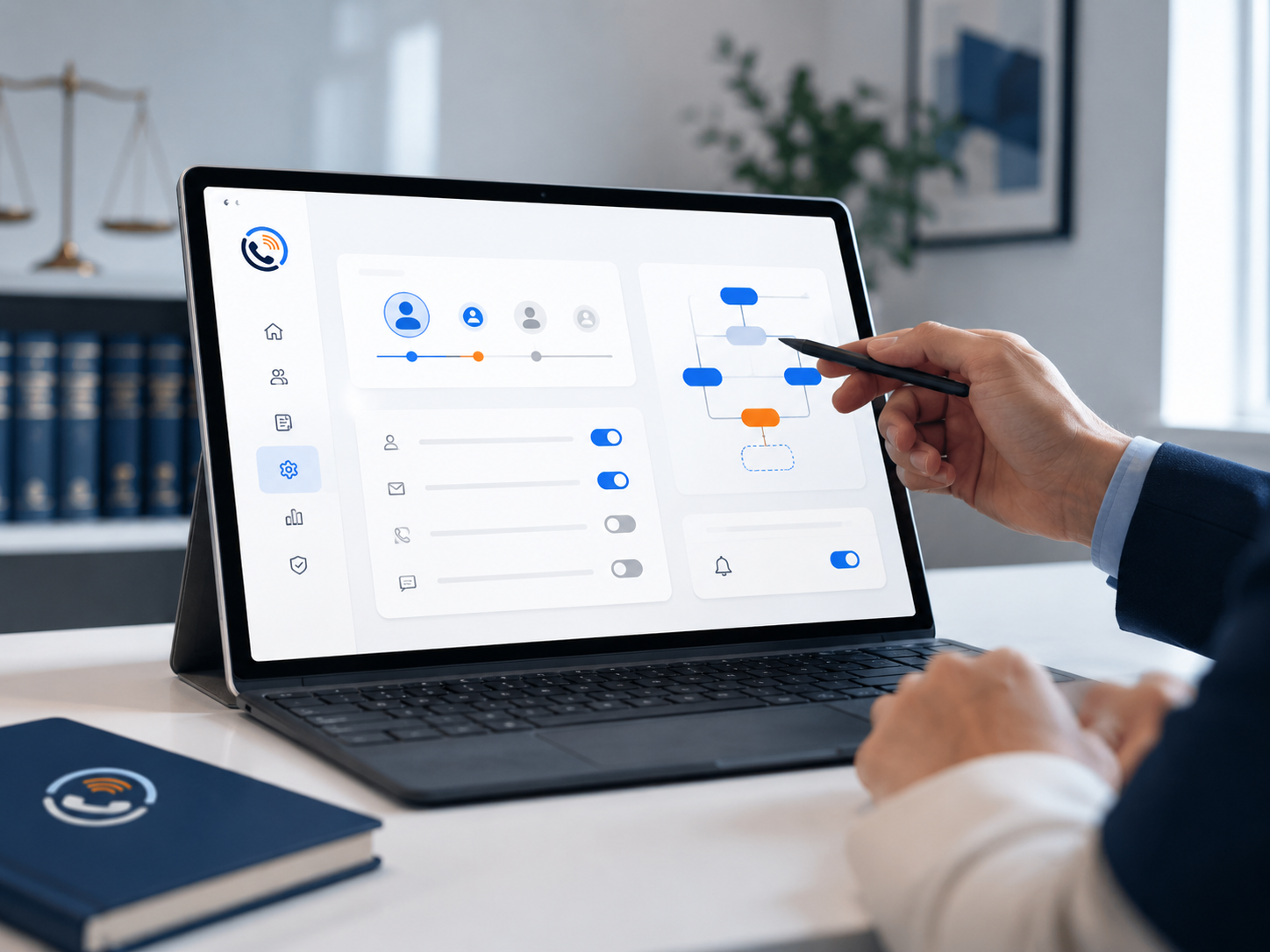
Complete this form when OpenLine has asked your firm to provide details for an agreed intake setup. We use this information to configure your greeting, intake summary delivery, and approved routing and notification preferences.
Submitting the form does not activate service or change your agreed pricing. We will review your information and confirm the setup details before your intake line goes live. Optional internal SMS alerts depend on your agreed scope, recipient consent, and messaging availability.
New to OpenLine? Book a 15-minute PI intake demo for a custom quote. For salon reception, review the salon service and setup options.
OpenLine supports intake operations and does not provide legal advice, legal representation, case evaluation, or emergency services.
Business setup information only. Do not submit passwords, account PINs, API keys, tax IDs, payment details, or actual client case or medical records. Unknown technical details can be reviewed with your provider before launch.